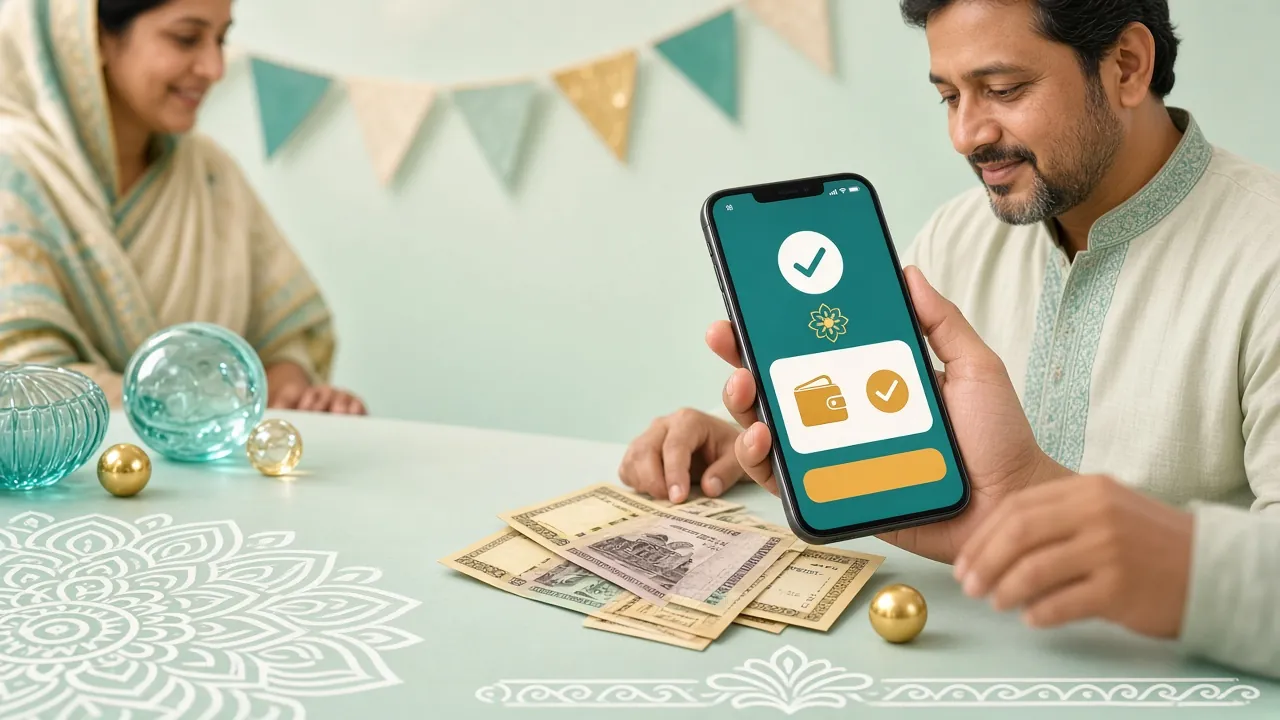
Player in Dhaka confirming a bKash deposit on a phone next to a laptop

bh999 live Deposit Guide

This page covers one job: moving money from bKash, Nagad, Rocket, Upay or your bank into your player account, and knowing what to do when the balance does not change.

18+ · Play Responsibly

Read this first: what you will be able to do

Six minutes of reading is enough to finish a top-up on your own, without opening live chat. You will know which channel suits the phone in your hand, the smallest amount the cashier accepts, how long the balance takes to move, and the handful of faults that cause most stuck payments.

Every figure below comes from our own cashier rather than an old promotion page. The minimum deposit is ৳150, the minimum withdrawal is ৳400, the daily withdrawal ceiling is ৳45,000, and deposits normally post in about 2 minutes. If a screen tells you something different, trust the screen in front of you and ask support.

One habit saves most of the trouble: never send money from your wallet before the cashier shows you the receiving number. Players who send first and search later are the ones who write to us at midnight.

Choose the channel you already use

All five channels share the same ৳150 floor and the same posting time. Open the wallet you already top up for groceries; there is no advantage in opening a new account for this.

  • bKash

    Deposit 2 min · Withdrawal 15 min

    The default for most players in Dhaka and Chattogram. Widest agent network if you ever need cash.

  • Nagad

    Deposit 2 min · Withdrawal 15 min

    Useful near month end, when bKash queues get long. New devices can trigger a short security check.

  • Rocket

    Deposit 2 min · Withdrawal 15 min

    Tied to your SIM, so it suits players outside the big cities. Confirmation prints on screen.

  • Upay

    Deposit 2 min · Withdrawal 15 min

    A smaller wallet with the same rules. Good as a backup when the main two are slow.

  • Bank Transfer

    Deposit 2 min · Withdrawal 15 min

    For amounts above your wallet limit. Needs an exact reference code to match cleanly.

Send the money in five steps

The order matters. Each step keeps a record that support can trace if the payment stalls.

  1. 1

    Log in or register

    Use the player ID you already have. First-timers finish the sign-up form before the cashier opens.

  2. 2

    Open the cashier

    Tap Deposit inside your account. The receiving number appears here, not in your wallet app.

  3. 3

    Pick your method

    bKash, Nagad, Rocket, Upay or bank. The screen swaps to the right number or account details.

  4. 4

    Type the amount

    ৳150 is the floor. Anything lower returns to your wallet and never reaches the balance.

  5. 5

    Confirm and check

    Approve in the wallet, keep the SMS, and give the cashier about 2 minutes before retrying.

Walk through each method once

bKash

Open bKash, tap Payment rather than Send Money, and paste the merchant number from the cashier. Enter the amount and approve with your PIN. The wallet SMS is your receipt, so keep it until the balance moves, which is normally inside 2 minutes.

If bKash says the number is invalid, you are almost certainly on the Send Money screen. Go back to the cashier and copy the number again.

Nagad

Nagad keeps the same idea under slightly different menus: Payment, then Merchant. The floor is still ৳150. A payment from a device Nagad has not seen before can pause for a short security check, so approve it from the phone you usually carry.

Do not close the Nagad screen while that check runs. Closing it cancels the payment and you start over.

Rocket

Rocket accounts follow the SIM, so use the handset that holds the number registered in your own name. Copy the merchant number from the cashier, type the amount, and confirm. Rocket prints a Transaction ID on screen before it closes; save it in a note.

Borrowed phones are the main reason Rocket deposits fail name matching later, so keep your own SIM in the slot.

Upay

Upay follows the same shape as the two large wallets. Choose Payment, paste the cashier number, enter at least ৳150 and confirm. Smaller wallets occasionally queue during peak evening hours, so allow the full 2 minutes before assuming the payment failed.

If the app freezes after you approve, check your wallet SMS first. The money may already be on its way.

Bank Transfer

Use the bank route when the amount is larger than your wallet allows. Copy the account number and the reference code exactly as the cashier lists them; a single wrong digit leaves the payment unmatched until a person finds it by hand. Send the slip to live chat if nothing has posted after 2 minutes.

Take a clear photo of the deposit slip before leaving the branch. It is the fastest proof if a match goes wrong.

bh999 live deposit limits, timing and bonus terms

These are the numbers the cashier enforces on every account. Screenshot the table if you often deposit from a phone with a weak connection.

Deposit and withdrawal limits in Bangladeshi taka
What it controlsValue
Smallest deposit accepted৳150
Smallest withdrawal৳400
Daily withdrawal ceiling৳45,000
Typical deposit posting timeAbout 2 minutes
Typical withdrawal posting timeAbout 15 minutes
First withdrawal reviewUp to 1 hour
Document review after uploadUp to 6 hours
Wagering on the welcome bonus25x

A first deposit can also pick up the welcome bonus: 220% on top, capped at ৳20,000, with a 25x wagering condition attached before any of it can be withdrawn. Later top-ups qualify for a 15% reload, daily cashback runs at 0.9%, and a referral pays ৳375 when the friend you bring in starts playing. Read the full terms on the bonus and VIP page before you accept anything.

Nothing is required to deposit. Documents only come up before your first payout, when we ask for one photo ID: a National ID card, passport or driving licence, reviewed in up to 6 hours.

Fix a deposit that did not arrive

Most stuck payments fall into five patterns. Read the row that matches what you see before you send a message.

Common deposit failures and how to fix them
What you seeWhy it happensWhat to do
Wallet balance dropped, player balance unchanged The reference number was missing or mistyped, so the payment waits unmatched. Wait a full 2 minutes, refresh the cashier, then send the wallet SMS to live chat.
Wallet refuses the payment The amount is under ৳150 or your wallet balance is short. Resend with ৳150 or more and check the wallet balance first.
"Number not found" in the wallet You are on the personal Send Money screen, not the merchant payment screen. Return to the cashier and copy the number shown there, then pay as a merchant.
Payment pending for hours Bank transfer sent after the daily cut-off, or a slip with a wrong reference. Keep the slip and let support match it by hand. Do not send a second transfer.
Two payments, one credit You tapped approve twice and both went through. Send both transaction IDs. The duplicate is returned, not lost.

One rule worth repeating. We never give out a deposit number in a group chat, a comment thread or a private message. The only receiving number you should trust is the one printed inside your own cashier. Anyone who offers to "process" a deposit for you is not from our team, and support runs 24/7 live chat if you want to check something before paying.

Deposit questions players send us

01 How much do I need for my first deposit?

৳150 is the smallest amount the cashier accepts, on every channel. There is no upper limit beyond your wallet or bank limit, and no fee is added on our side, so the figure you approve in the wallet is the figure that reaches your balance.

02 How long does a bh999 live deposit take?

About 2 minutes in normal conditions, on all five methods. Wallet payments land faster than bank transfers because the reference matches automatically. If 2 minutes pass with no change, refresh the cashier once before you do anything else.

03 Can I deposit before I finish registering?

No. The cashier sits inside your account, so sign up first and the deposit screen becomes available straight away. It takes one phone number and one password, and there is no waiting period before your first top-up.

04 Which wallet is fastest for a deposit?

The five methods post at the same speed, so pick by convenience rather than by speed. bKash and Nagad are the busiest, Rocket suits rural SIM users, and bank transfer is the better choice for larger amounts.

05 Why did my money go to the wrong account?

Usually because the number was copied from an old message instead of the live cashier screen, or because a personal number was used instead of the merchant number. Money sent to a personal number cannot be matched automatically, so always pay from inside the cashier.

06 Do I need documents before depositing?

Not for a deposit. Documents are requested before your first withdrawal only: one photo ID from your National ID card, passport or driving licence, reviewed in up to 6 hours. Uploading early keeps the first payout quick.

Open your account and make the first top-up

The sign-up form asks for a phone number and a password, and the cashier opens the moment you are inside. Start with ৳150, approve the payment in your wallet, and watch the balance move inside 2 minutes.